Sewing Machine Not Picking Up Bobbin Thread: Separate Setup Failure From a Service-Level Hook Problem
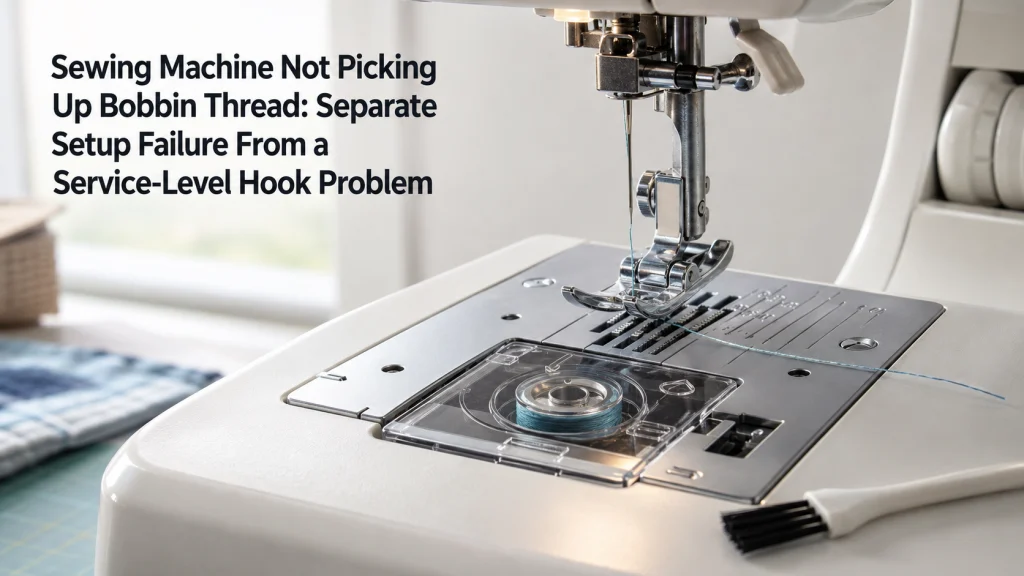
Sewing Machine Not Picking Up Bobbin Thread

A sewing machine not picking up bobbin thread becomes a troubleshooting problem only after the exact model’s normal lower-thread procedure has been followed and no loop appears. Start by confirming that the machine actually requires manual pickup, then repeat the documented setup with the upper thread, needle, bobbin, and bobbin area in the correct state.
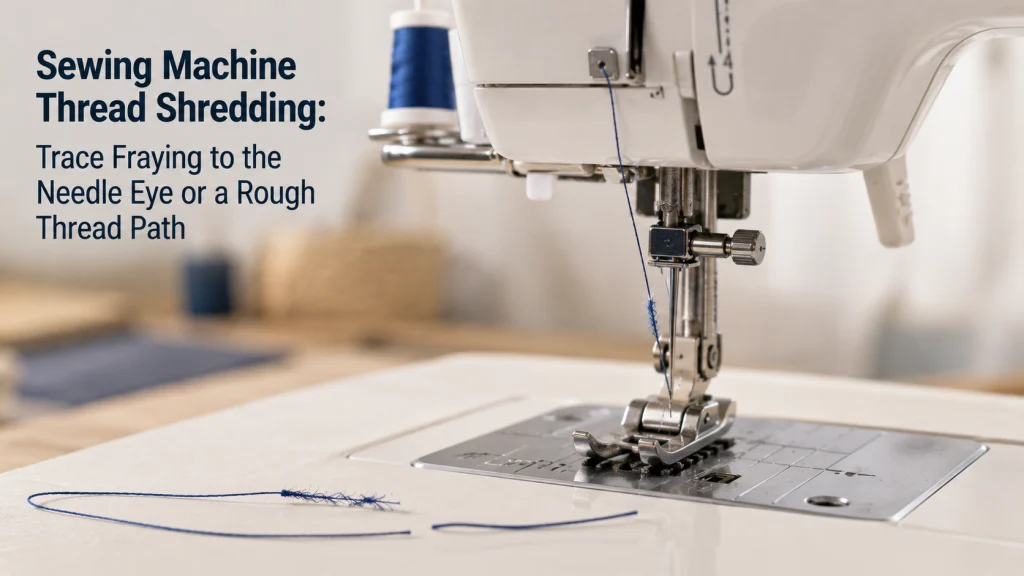
Sewing Machine Thread Shredding: Trace Fraying to the Needle Eye or a Rough Thread Path

Sewing Machine Thread Shredding

Sewing machine thread shredding is different from a clean upper-thread snap because the thread usually shows progressive abrasion before it finally fails. The useful diagnostic question is where the first fuzz, split filament, or roughened section appears along the upper thread path. Start with a fresh correctly installed needle, verify that the thread moves freely

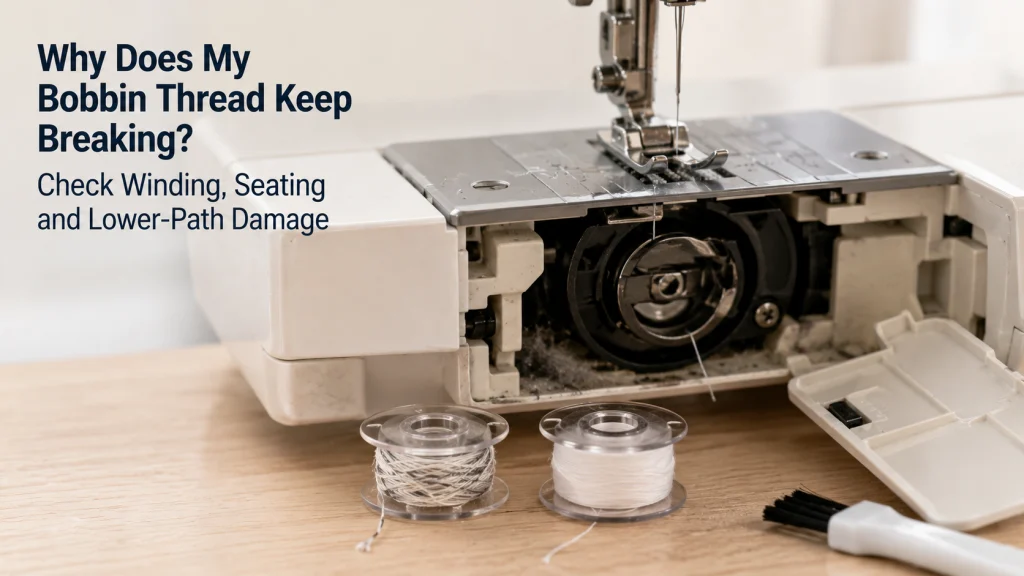
Why Does My Bobbin Thread Keep Breaking? Check Winding, Seating and Lower-Path Damage

Why Does My Bobbin Thread Keep Breaking

Repeated bobbin-thread breakage is best diagnosed from the lower thread path first, not by immediately changing upper tension. The useful sequence is to prove which thread snapped, inspect the installed bobbin and remaining tail, confirm winding quality and exact bobbin type, verify insertion, and clean only the areas the machine manual makes owner-accessible. A scratched,

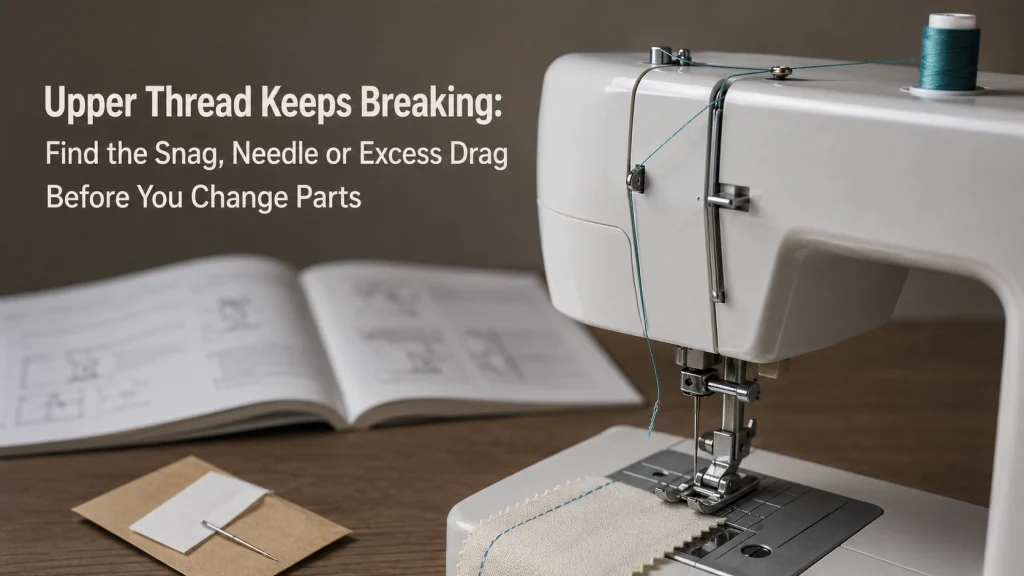
Upper Thread Keeps Breaking: Find the Snag, Needle or Excess Drag Before You Change Parts

Upper Thread Keeps Breaking

When the upper thread keeps breaking, the useful first question is where the thread is failing, not how far to turn the tension dial. Repeated snapping can come from an obstructed spool path, incorrect threading, excessive upper tension, a damaged or unsuitable needle, a poor needle-and-thread match, or a rough user-visible surface that is abrading

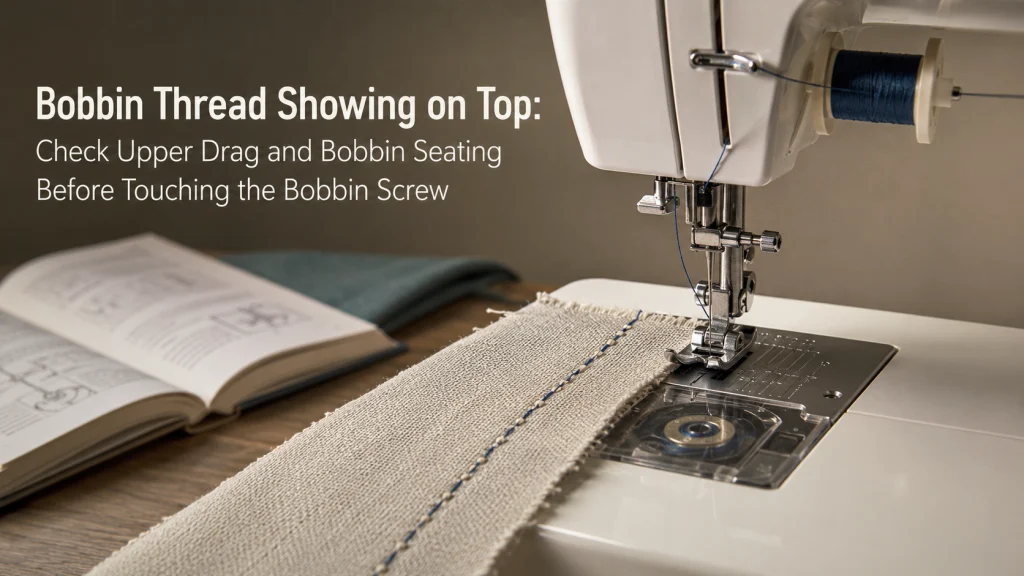
Bobbin Thread Showing on Top: Check Upper Drag and Bobbin Seating Before Touching the Bobbin Screw

Bobbin Thread Showing On Top

Bobbin thread showing on top means the lower thread is being pulled farther toward the top surface than it should be for the seam you are trying to make. Before touching a bobbin-case screw, confirm that the visible thread is really the bobbin thread, then check upper-thread freedom, upper threading, bobbin orientation, and the documented

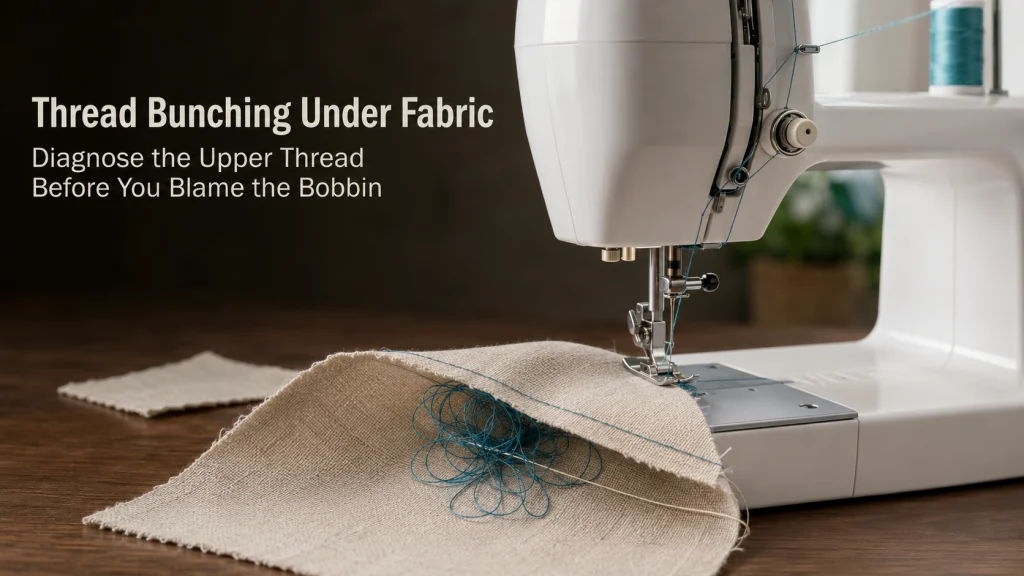
Thread Bunching Under Fabric: Diagnose the Upper Thread Before You Blame the Bobbin

Thread Bunching Under Fabric

Thread bunching under fabric usually needs an upper-thread check before a bobbin adjustment. When the top of the seam looks comparatively clean but loose loops or a bird nest collect underneath, trace which thread color forms the mass, then restore the upper threading path exactly as the machine documentation requires. Verify the bobbin type and

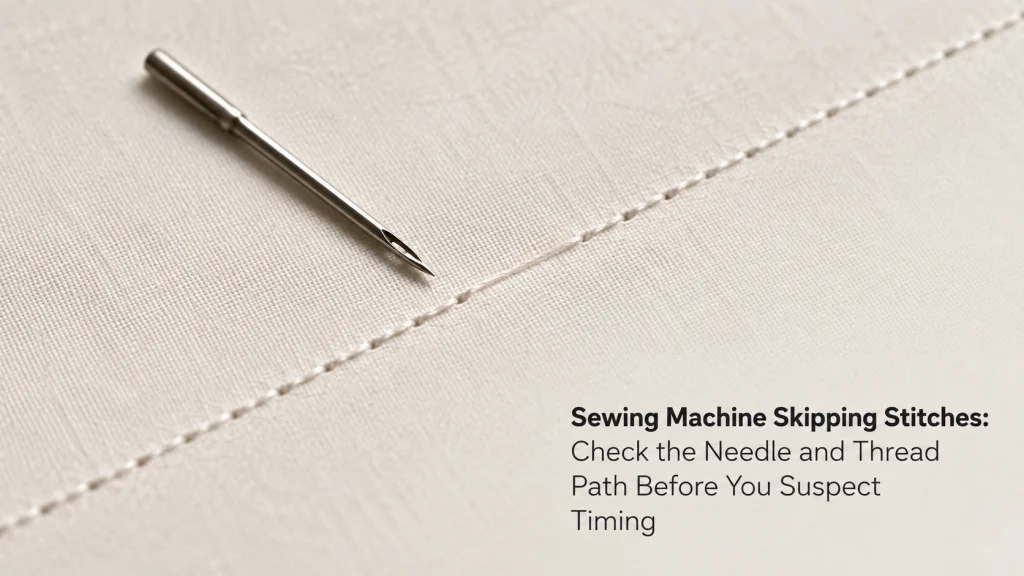
Sewing Machine Skipping Stitches: Check the Needle and Thread Path Before You Suspect Timing

Why Is My Sewing Machine Skipping Stitches

If you are asking why is my sewing machine skipping stitches, first prove that a stitch is actually missing. When fabric advances normally but some needle penetrations fail to form a lockstitch, the first checks are the needle, its installation, the needle-thread-fabric combination, upper threading, bobbin state, and only the user-accessible cleaning steps documented for

Sewing Machine Stitch Problems: Read the Thread, Needle, Bobbin and Stitch Evidence Before You Touch the Tension

Sewing Machine Stitch Problems

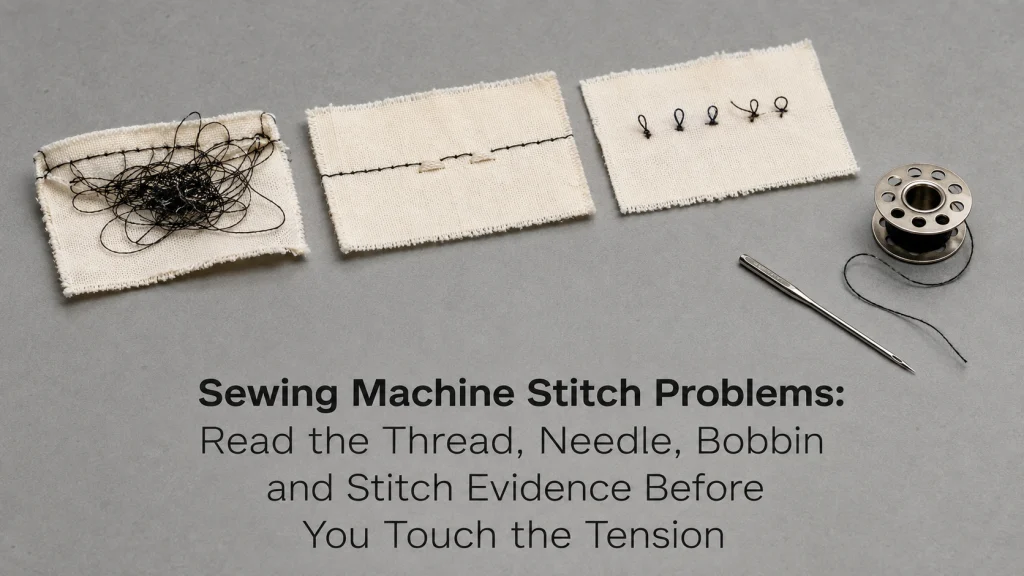
Sewing machine stitch problems are easier to diagnose when you start with the visible failure instead of turning the tension control first. A skipped stitch, thread nest underneath, bobbin thread pulled to the top, snapped upper thread, failed bobbin pickup, or broken needle points to a different first check. Return the machine to its documented

Sewing Machine Not Sewing Straight: Separate Feed Drift From a Stitch-Formation Fault

Sewing Machine Not Sewing Straight

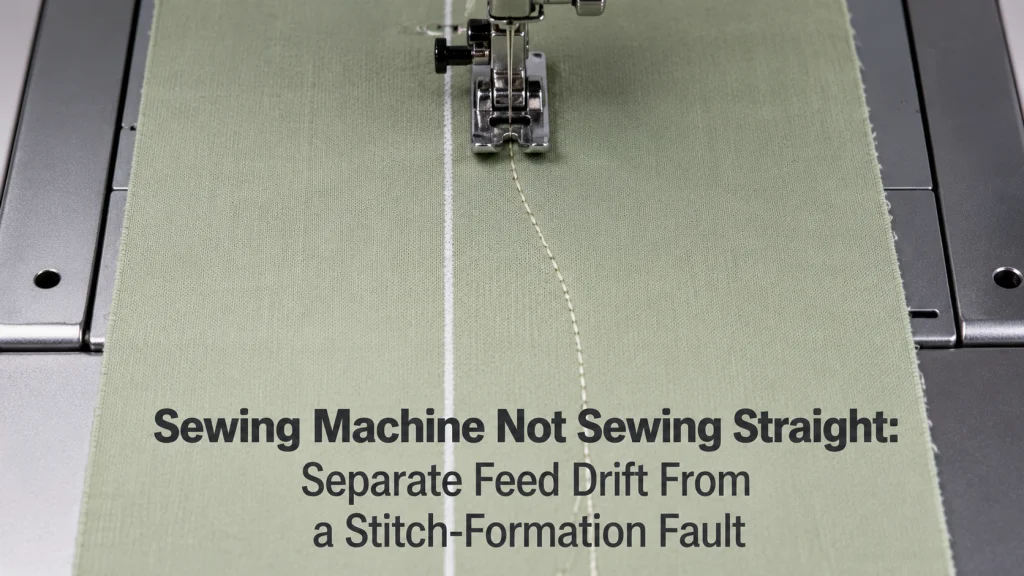
When a sewing machine will not sew straight, the symptom can mean two different things: the fabric path itself veers, or the fabric tracks normally while the individual stitches look crooked or malformed. Start with a basic straight-stitch baseline on stable woven scrap, verify the user-level needle, foot, and feed states required by the exact

Sewing Machine Not Feeding Thick Fabric: Find the Capability or Feed Failure Before Forcing the Stack

Sewing Machine Not Feeding Thick Fabric

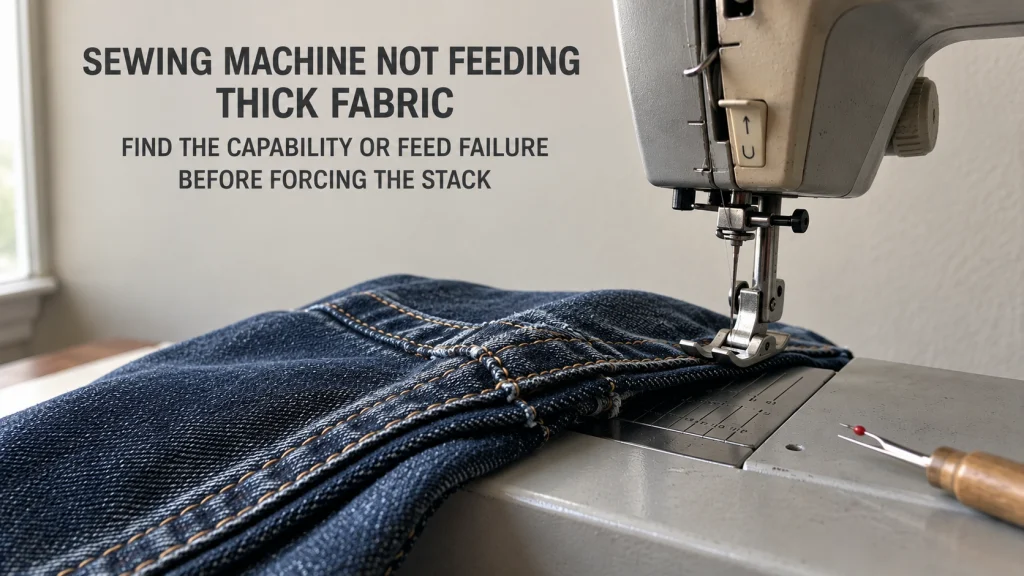
If a sewing machine feeds ordinary woven fabric normally but stalls on a bulky seam or thick stack, the problem is not automatically a bad setting or a weak machine. The first job is to prove the normal-feed baseline, then isolate whether the failure happens only at the start, at a raised seam intersection, or

Why Is My Sewing Machine Eating Fabric? Separate Needle-Plate Capture From a Hard Jam

Why Is My Sewing Machine Eating Fabric

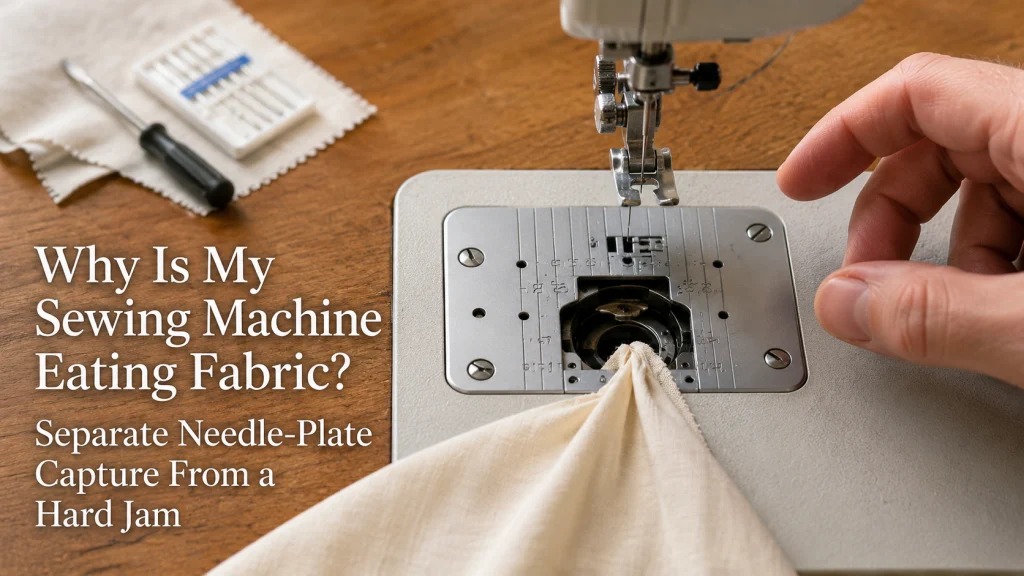
When fabric disappears into the needle-plate opening, the immediate question is not tension or stitch quality. First determine whether the material itself has been captured below the plate, whether intact fabric is sitting over a thread nest, or whether the machine has reached a hard mechanical lock. Stop sewing before pulling on anything, then follow

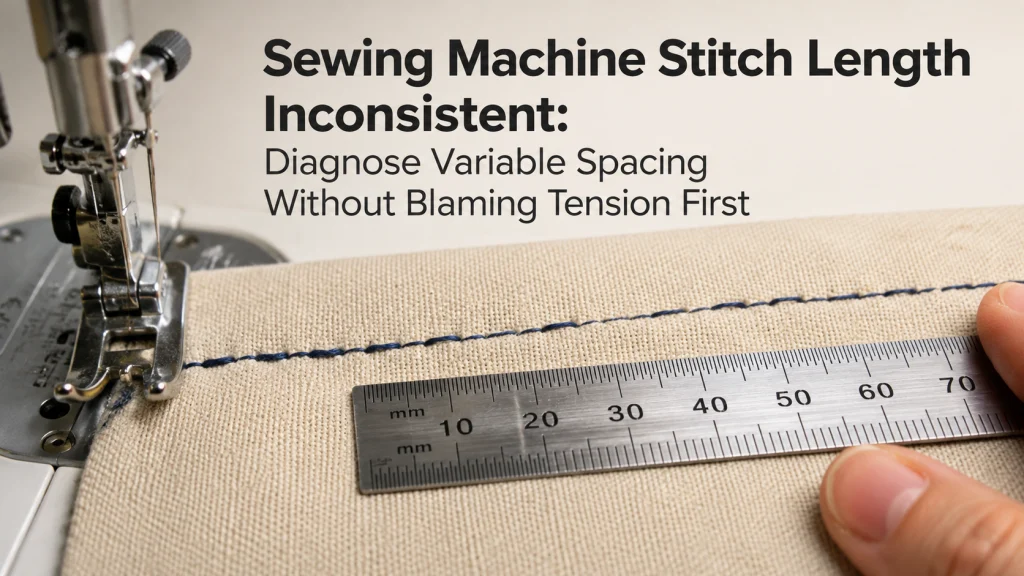
Sewing Machine Stitch Length Inconsistent: Diagnose Variable Spacing Without Blaming Tension First

Sewing Machine Stitch Length Inconsistent

When stitch spacing changes within the same sewing run, prove that the distance between needle penetrations is actually changing before adjusting thread tension. A seam can look uneven because of skipped stitches, loops, puckering, or sideways drift even when the physical stitch spacing is regular. The useful diagnostic path is to measure the seam, retest

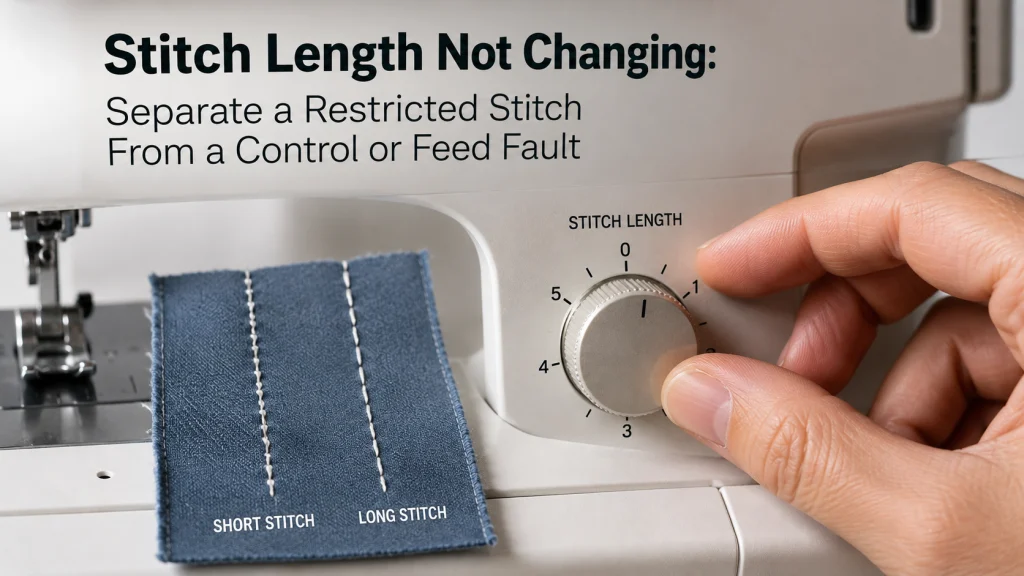
Stitch Length Not Changing: Separate a Restricted Stitch From a Control or Feed Fault

Stitch Length Not Changing

An unresponsive stitch-length control can mean two different failures: the selected stitch or control will not accept a new length, or the displayed setting changes but the sewn spacing does not respond as expected. Start by recording the exact stitch and current setting, then confirm whether that stitch is editable on the exact machine before

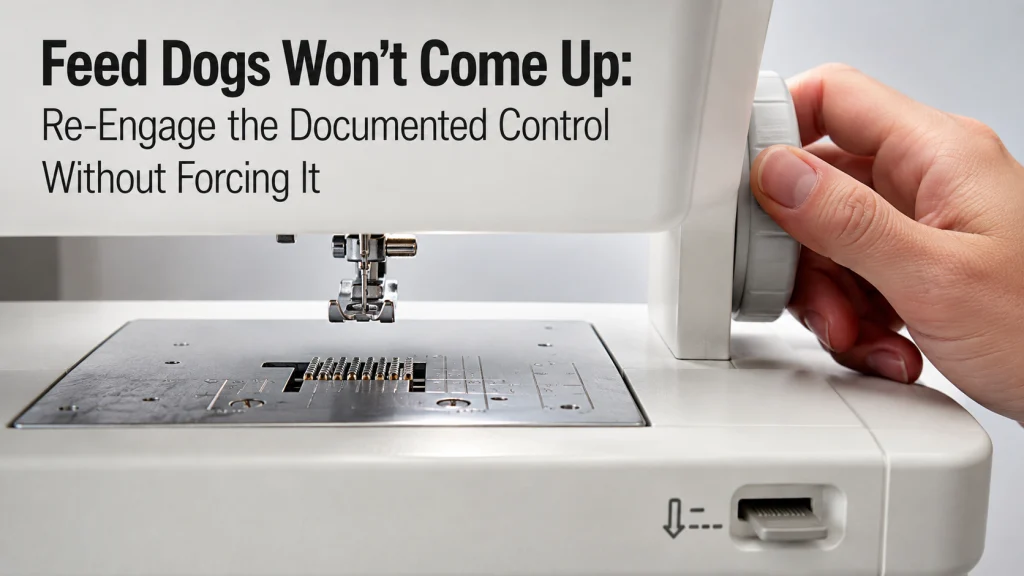
Feed Dogs Won’t Come Up: Re-Engage the Documented Control Without Forcing It

Feed Dogs Won't Come Up

If your feed dogs won’t come up after you return the drop-feed control to regular sewing, the lever may not be the final step. Some machines require a handwheel turn or needle-position cycle before the feed dogs re-engage, while other models do not lower the feed dogs at all and use a darning plate instead.

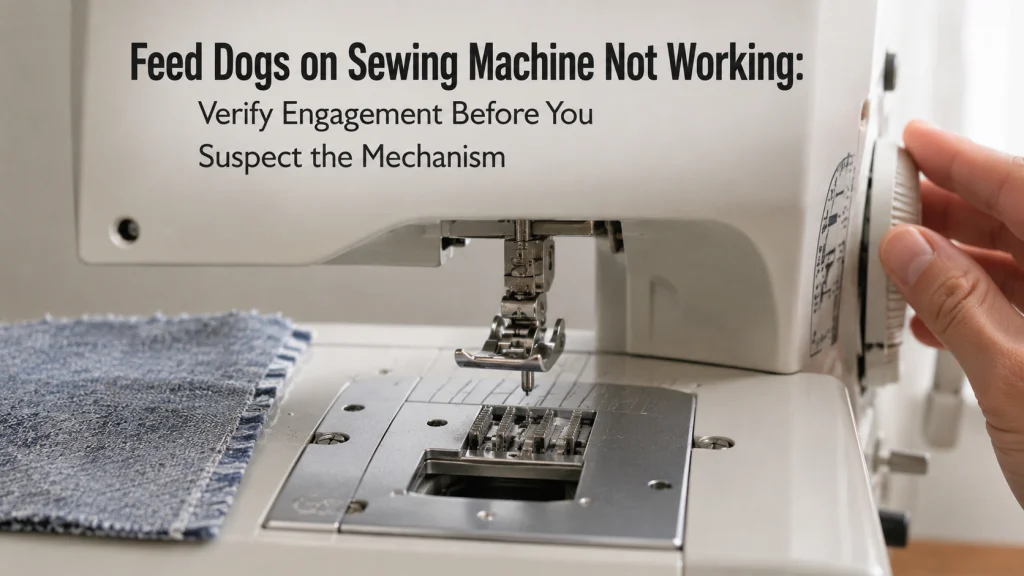
Feed Dogs on Sewing Machine Not Working: Verify Engagement Before You Suspect the Mechanism

Feed Dogs On Sewing Machine Not Working

Feed dogs that appear to be failing can actually be in several different states: disengaged, not fully re-engaged, moving without advancing fabric, obstructed by accessible lint or thread, or genuinely outside normal user-level correction. The safest diagnostic path is to confirm the exact model’s feed control, watch what the teeth do during a permitted manual

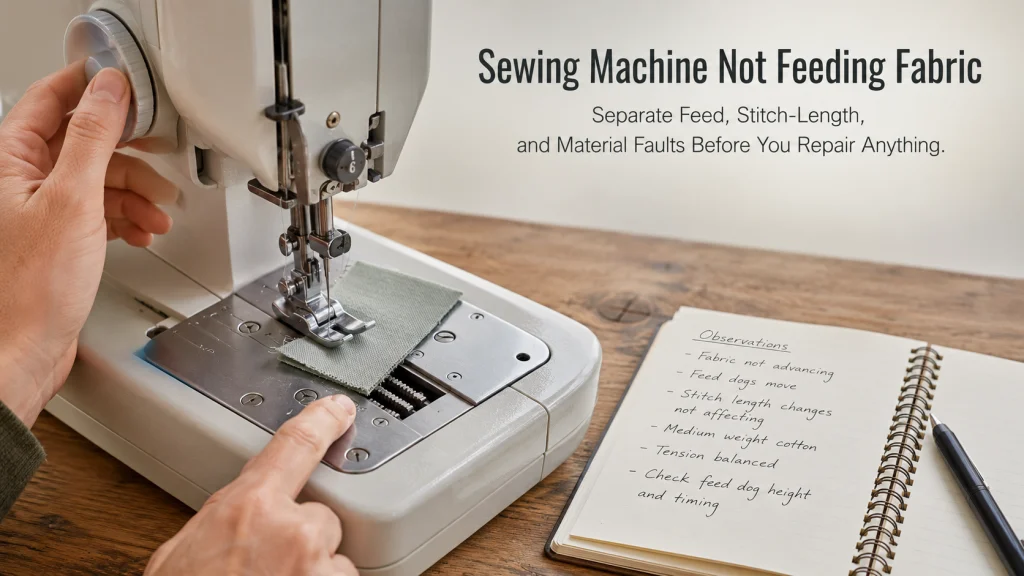
Sewing Machine Not Feeding Fabric: Separate Feed, Stitch-Length, and Material Faults Before You Repair Anything

Sewing Machine Not Feeding Fabric

A sewing machine not feeding fabric can come from several different states that look similar at first: the presser foot is not in its normal sewing position, the feed dogs are disengaged, the feed system has not completed its re-engagement cycle, stitch length is set to no-feed, the material stack changes how the machine advances,