If a sewing machine feeds ordinary woven fabric normally but stalls on a bulky seam or thick stack, the problem is not automatically a bad setting or a weak machine. The first job is to prove the normal-feed baseline, then isolate whether the failure happens only at the start, at a raised seam intersection, or across the entire thick stack. The exact machine manual should decide which thick-seam procedures and presser-foot controls are allowed, while a hard handwheel, repeated needle strikes, overheating, smoke, or a burning odor ends the test. The useful outcome is a clear boundary between a manageable feed transition and a stack the machine should not be forced to advance.
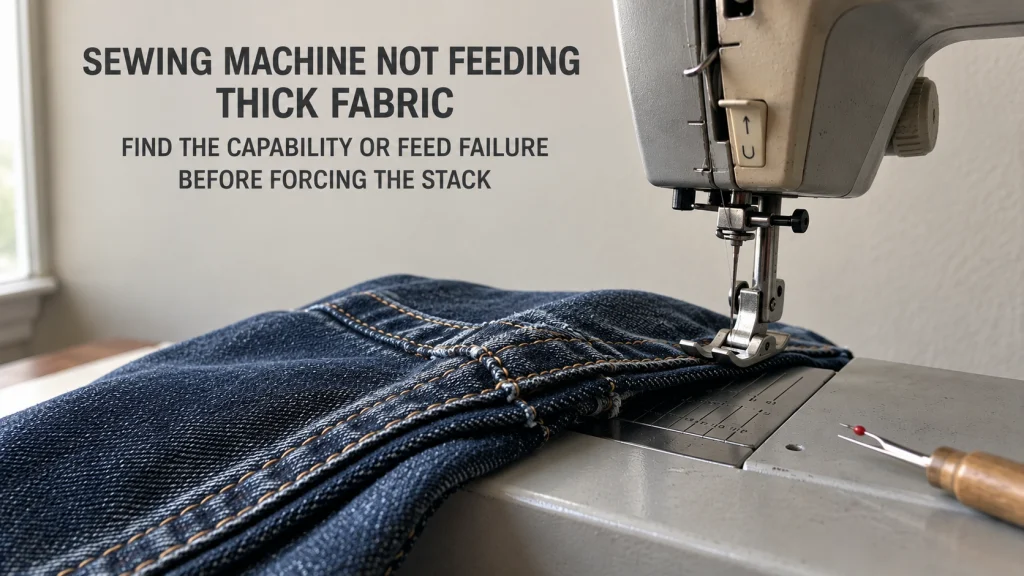
Prove the machine feeds normal fabric before blaming the thick stack
A sewing machine not feeding thick fabric needs a different diagnostic path from a machine that will not feed ordinary fabric at all. Start with the same machine, the same normal sewing mode, and a stable woven cotton scrap. If that ordinary fabric advances cleanly but a bulky seam intersection stalls, thickness has become the condition that changes the symptom.
That distinction matters because a general feed failure can involve feed-dog state, stitch-length settings, threading, presser-foot setup, or another machine-wide issue. If ordinary fabric also fails to advance, return to the broader process for diagnosing fabric feed problems instead of treating the project stack as the cause.
Reproduce the ordinary-fabric baseline
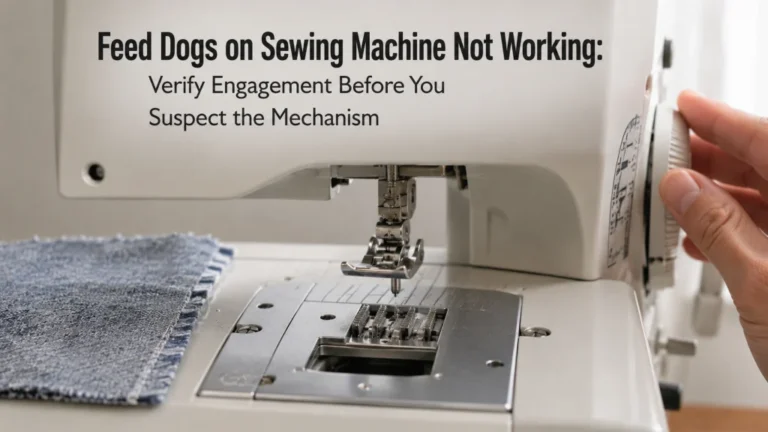
Use a plain, stable scrap that the machine has no reason to struggle with. Keep the machine in its documented normal sewing configuration, lower the presser foot, confirm the feed dogs are engaged for ordinary sewing, and use a reasonable straight-stitch setting permitted by the manual. The goal is not to optimize a project. It is to answer one question: can the machine still transport a normal fabric layer under the foot?
If the answer is yes, record that as the baseline before changing anything else. If the answer is no, the thick-stack article no longer owns the problem because the failure is not thickness-specific. The broader sewing machine troubleshooting process is the better route when the symptom survives the return to ordinary fabric.
| Test condition | Observed feed | What it tells you |
|---|---|---|
| Stable ordinary woven scrap | Feeds normally | The machine passes the baseline and the thick condition can be isolated. |
| Representative thick stack | Stalls or stops advancing | The failure is thickness-specific and needs a capability or feed-transition check. |
| Ordinary scrap and thick stack | Both fail | Return to general no-feed diagnosis instead of blaming thickness. |
This baseline-versus-stack comparison prevents a common troubleshooting mistake: changing several settings because the project looks difficult without first proving whether the machine has a general feed problem.
Build a representative thick test stack without using the project as the experiment
When the baseline passes, reproduce the project condition on scrap made from the same material or a closely representative offcut. Match the number of layers and, if the failure occurs where seam allowances cross, recreate that local bulk rather than testing only a flat stack. A machine that feeds four flat layers can behave differently at a folded intersection where the presser foot has to climb and then level itself again.
Keep the test bounded. Do not keep adding layers until the machine fails, and do not treat a powered test as a way to discover the maximum thickness the machine can force through. The exact model documentation, presser-foot clearance, compatible needle and foot, and normal handwheel movement all have to remain within their intended conditions.

Clover Wonder Clips are fabric clips designed to hold multiple layers without using pins. Each clip opens wide around layered fabric and has a flat base that can approach the presser foot while sewing. This package contains 50 clips, and Clover lists them for sewing projects such as quilts, handbags, and other layered work.
Check On AmazonIf you click this link and buy, we earn a commission at no additional cost to you.
Identify whether the failure occurs at the start, a seam hump or the entire stack
Where the material stops advancing is useful evidence. A stall at the first stitches can happen when a thick stack leaves the presser foot tilted instead of level. A stall only at a seam hump points toward a transition problem. A stack that refuses to advance from start to finish is a different signal and should not be treated as the same little bump in the road.
Use the symptom location to decide what to verify next rather than jumping straight to tension or a longer stitch. Current Brother instructions for several domestic models specifically describe thick fabric failing to feed at the start when the presser foot is not level, then document a model-specific foot-leveling method. That is useful evidence for those listed models, not a universal instruction for every machine.
| Where feed stops | What to inspect first | Boundary |
|---|---|---|
| At the first stitches | Whether the presser foot is level and whether the manual documents a start-on-thick-seam method | Do not improvise a foot control the machine does not have. |
| Only at a seam hump | The height transition, foot angle and exact thick-seam instructions | Do not pull the project over the hump. |
| Across the whole thick stack | Documented capability, clearance, needle and foot compatibility, and normal machine motion | Stop if the stack is not advancing normally. |
The location of the stall does not identify an internal failed part. It narrows the external condition you can safely verify before deciding whether to continue, change the test condition, or stop.

The HONEYSEW Bulky Seam Jumper is a two-piece clearance-plate tool that can help balance presser-foot height while sewing over heavy seams. Its ends provide 1/8-inch and 3/16-inch thickness levels for different height transitions. The tool slips beneath the back of the presser foot and is also designed to create different thread-shank heights when sewing buttons.
Check On AmazonIf you click this link and buy, we earn a commission at no additional cost to you.
Check the exact manual for thick-seam and presser-foot guidance
The manual is the control document because thick-seam features vary by model. Some machines document a locking pin or leveling function on a specific presser foot. Others may provide a different procedure, adjustable presser-foot pressure, or no special thick-seam control at all. Copying a method from a visually similar machine can create a new problem instead of fixing the feed stall.
Look for the exact model number first, then search the manual or manufacturer support page for heavyweight fabric, thick seams, presser foot, fabric feeding, feed dogs, needle size, and any stated clearance or thickness warning. One Brother support page for a specific group of models warns that fabric over 6 mm, or fabric pushed with too much force, can bend or break the needle. That number is evidence for the listed models, not a universal domestic-machine limit.
Model check: Use a manufacturer instruction only when it applies to the exact machine or a clearly listed model family. Treat the feature name, foot designation and any numeric limit as model-specific until the documentation proves otherwise.
Verify the installed needle and foot are already compatible
Do not use a thick-feed failure as the moment to guess at accessory fit. The needle must belong to the machine’s documented household system and fall within the size range allowed for that model. The presser foot must also attach through the correct interface and be appropriate for the selected stitch. A foot that looks useful for bulky fabric is not automatically compatible.
This article assumes those component checks are already complete. If they are not, resolve the exact needle-system and presser-foot compatibility questions before continuing. A verified needle and foot remove two avoidable variables, but they still do not prove that the machine can feed an unlimited material stack.
Do not push or pull the stack through
When a sewing machine won’t feed thick fabric, pulling from behind or pushing from the front can make the fabric move while hiding the real feed failure. It can also deflect the needle away from its intended path. Singer’s current troubleshooting guidance tells users to let the feed dogs draw the fabric under the foot rather than pushing or pulling it.
Your hands can guide alignment without becoming the transport system. If the stack advances only because you are applying force, stop the test and return to the documented thick-seam procedure or capability check. A powered machine should not need the operator to drag the work through to prove that it can sew the stack.
Warning: End the test if resistance becomes abnormal, the needle starts striking or deflecting, the machine shows a heat or electrical warning sign, or motion becomes uncontrolled. More hand pressure is not a troubleshooting step.
Observe whether the handwheel remains normally movable
With the machine stopped and handled according to the exact manual, compare the feel of the handwheel with the normal baseline. The purpose is not to muscle the mechanism through the thick point. You are checking whether the machine still turns normally or whether motion has become distinctly tight, blocked or abnormal.
A tight handwheel changes the route. Brother support explicitly warns that forcing a locked handwheel can cause further damage and directs users toward service when the documented checks do not restore free movement. If the wheel no longer moves normally, stop treating the symptom as a routine thick-fabric feed issue.
Separate feed stall from needle penetration or motor-power failure
A feed stall means the material is not advancing normally. That is not identical to the needle being unable to penetrate the stack, the machine losing power, the motor sounding abnormal, or the handwheel locking. Those symptoms can appear together, but combining them under one label makes it easy to prescribe the wrong next step.
Watch the sequence without forcing another pass. If the needle reaches the material normally but the stack stays in place, keep the investigation on feed contact, foot angle and supported bulk. If motion becomes hard, the needle repeatedly strikes, or the machine shows an electrical or heat-related warning sign, stop and move to the appropriate service or broader troubleshooting route.
Keeping these failure types separate protects the diagnosis. It also prevents a feed-specific article from drifting into internal motor, timing, linkage or gear repair.
Compare with stitch-length response if that control also fails
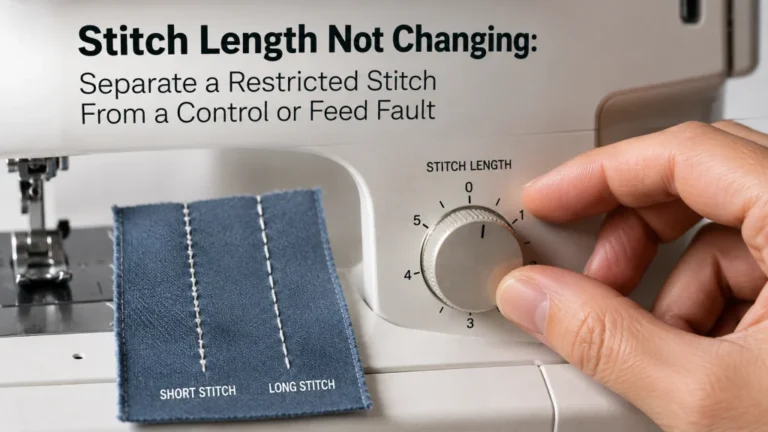
If the machine feeds ordinary fabric but the visible stitch length does not respond when the stitch-length control changes, that is additional evidence rather than a reason to keep experimenting on the bulky project. A thick stack can change how stitches look, so verify control response on the stable baseline fabric before deciding the control itself has failed.
When stitch-length response is independently abnormal, move to the process for checking stitch length response. That keeps a second symptom from being buried inside the thickness diagnosis and avoids treating a settings-control problem as a material-capability issue.
Compare with material being pushed into the needle plate
A stack that does not move forward is different from fabric being driven down into the needle-plate opening. The second symptom often looks like the machine is chewing or swallowing the material, and continuing to power the machine can make the jam worse. Stop before the material disappears farther into the plate area.
If the fabric is being pulled downward rather than simply failing to advance, use the separate process for fabric pulled into the needle plate. That route keeps plate-area bunching and thread jams from being misclassified as nothing more than a thick seam.
Return to normal thick-fabric technique after the fault is cleared
Once the machine passes its normal baseline, the needle and foot are verified, the handwheel remains normal, and the exact manual supports the attempted material condition, the remaining question may simply be how to handle the project cleanly. That is normal-use technique, not fault diagnosis.
Keep that work separate from troubleshooting. Project handling can cover seam preparation, layer management and other normal sewing choices without pretending that technique can expand the machine’s documented capability. If the fabric is too thick for the sewing machine to advance normally even after the permitted checks, the answer is not a more aggressive handling trick.
Stop when the stack exceeds documented capability or motion becomes hard
Thickness becomes a stop condition when the material does not fit or feed within the machine’s documented use, the foot cannot operate as intended, or the machine’s motion is no longer normal. The same applies when a model-specific warning establishes a limit that the test stack exceeds. A compatible needle, a longer stitch option or a thick-material label cannot cancel that boundary.
Power off before any access that the exact manual requires with power removed. Do not force feed dogs, controls, the handwheel or the stack, and do not open electrical housings or attempt internal timing, gear, linkage or motor repair. Qualified service is the next step for a hard lock, visible broken internal parts, repeated hard needle strikes, persistent abnormal noise, smoke, burning odor, overheating, exposed wiring or uncontrolled motion.
Capability stop: A machine that feeds cotton normally but cannot advance the representative thick stack under its documented setup has given you useful evidence. Stop forcing the project and reassess the material condition, machine capability or service need.
If the next step is qualified service, write down the test result before moving the machine or changing the setup. A short record helps separate a thick-stack feed problem from a broader mechanical fault:
- Exact machine model number and, if available, the manual revision used for the checks.
- Whether ordinary woven cotton passed the baseline feed test.
- What the representative stack contained and whether the stall occurred at the start, at a seam hump or across the entire stack.
- The verified needle and presser foot already installed, plus the selected stitch and any documented user-level checks completed.
- Whether the handwheel still felt normal and whether any strike, abnormal noise, heat, odor or other stop condition appeared.
That record does not diagnose the internal cause. It gives a technician or support representative a clearer description of what the machine can still do, what changed under bulk, and which owner-level checks have already been completed.
Keep a straight-feeding problem separate from a thickness stall
A machine can move fabric and still pull the seam away from the intended line. That is not the same symptom as a stack stopping at a bulky intersection. First confirm that transport exists; then decide whether the remaining issue is feed direction, fabric guidance, foot alignment or another straight-sewing condition.
If the material continues to advance but will not track straight, route that symptom to diagnosing crooked machine sewing. Separating forward movement from directional control keeps two different problems from being treated with the same adjustment.
Final Thoughts: Treat thickness as a capability test, not a reason to force the machine
The cleanest diagnosis starts with contrast: ordinary fabric feeds, the representative thick stack does not. From there, locate the stall, check the exact thick-seam instructions, verify the installed needle and foot, and confirm that the machine still moves normally. Those checks tell you far more than simply turning a dial because the project feels bulky.
If the machine advances the stack only when you pull it, if the handwheel becomes hard, or if the documented conditions do not support the attempted bulk, stop. The goal is not to make every stack pass under a domestic presser foot. It is to identify the point where a normal feed transition ends and an unsupported or service-level condition begins.
Frequently Asked Questions
🧵 Why will my sewing machine feed cotton but not thick fabric?
If a sewing machine is not moving thick fabric but feeds ordinary woven cotton normally, the thick stack has introduced a new condition such as a tilted presser foot, unsupported bulk or a capability limit. Reproduce the stack on scrap and follow the exact model’s thick-seam guidance instead of changing several settings at once.
🪜 Why does my machine stop only when it reaches a thick seam hump?
The presser foot may be climbing the height transition and losing its normal feeding relationship. Check whether the exact manual documents a foot-leveling or thick-seam procedure for your model, and do not copy a control method from another machine.
✋ Should I pull the fabric if my sewing machine is not moving thick fabric?
No. Manufacturer guidance warns against pushing or pulling fabric because it can deflect the needle. Guide the work for alignment, but let the machine’s feed system provide the transport.
⚙️ How do I know when fabric is too thick for my sewing machine?
A stack may be beyond the machine’s supported use when it will not fit or advance normally under the documented setup, or when the exact manual sets a limit the stack exceeds. Needle compatibility alone does not expand presser-foot clearance, feeding behavior or mechanical limits.
🛑 When should I stop testing a thick stack?
Stop when the machine develops abnormal resistance, repeated needle contact, a mechanical lock, or any heat, electrical or uncontrolled-motion warning sign. Also stop when the exact documentation does not support the attempted material condition.
References and Sources
- Brother thick-fabric instructions: Documents presser-foot leveling for listed models and a model-family warning about excessive thickness or force.
- Singer troubleshooting tips: Supports the normal-feed checks and the instruction not to push or pull fabric through the machine.
- Brother tight-handwheel support: Supports stopping force on a tight handwheel and using service when documented user checks do not restore normal movement.